Download an area large enough for the journey
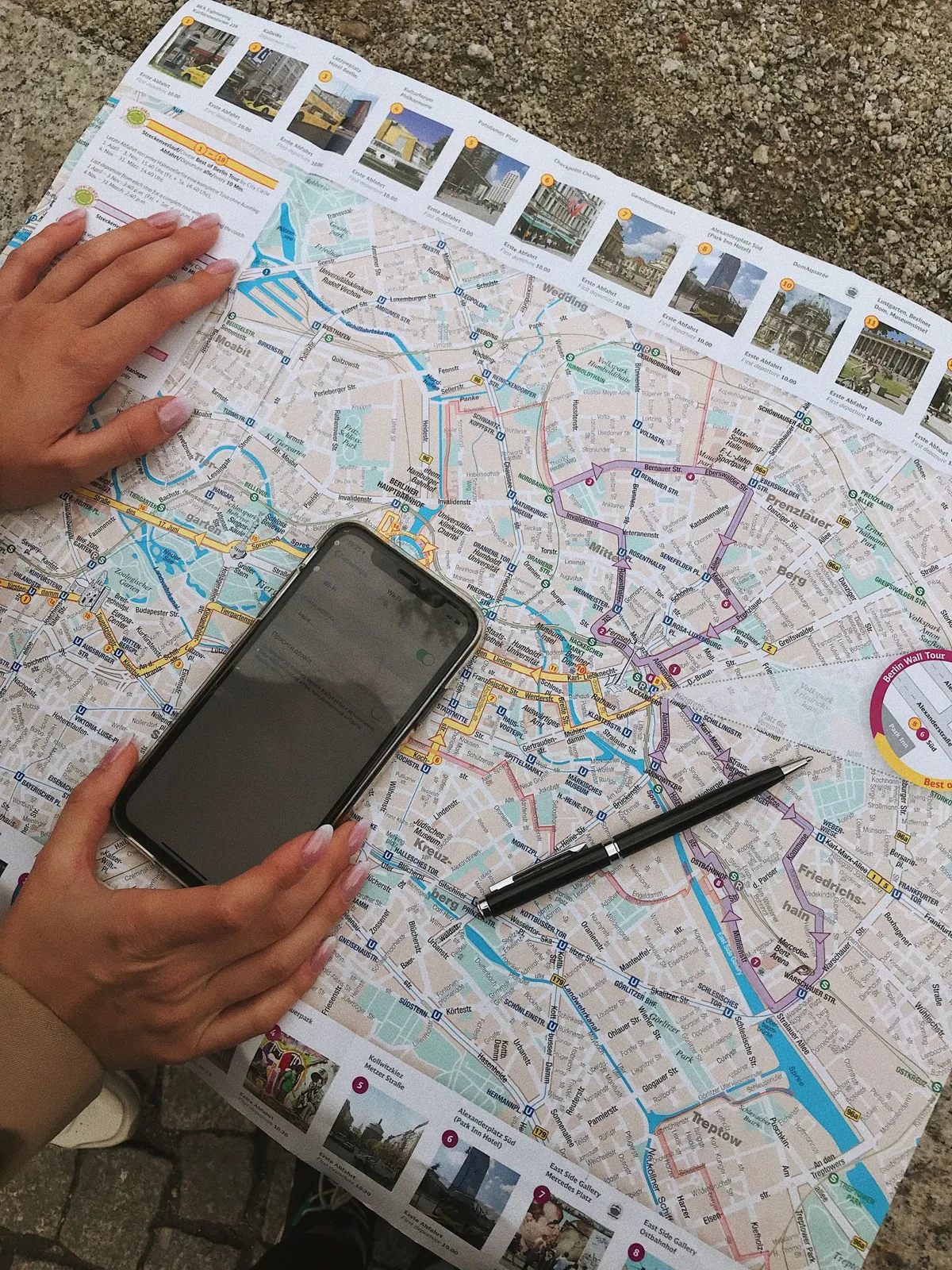
Include the airport or arrival station, the accommodation and the corridor between them. A city-center download is not enough if the transfer begins outside it. Check the map's storage requirement and finish the download before leaving your reliable connection.
Offline capabilities vary by application and region. Google Maps explicitly notes that its offline mode does not provide transit, walking or cycling directions. A downloaded street map can still help you orient yourself, but it is not a substitute for saving the transport instructions you need.
Create a short arrival card
Write the accommodation's full street address, local spelling, phone number and entrance details in a note. Add the transfer service, boarding location, destination stop and the final walk. Keep it short enough to read while standing with luggage.
Save a screenshot of the local area around the door and another of the arrival terminal or station exit if useful. Label them clearly. A collection of unlabeled maps is difficult to interpret when the screen is small and you are unsure which way you are facing.
Test the pieces together
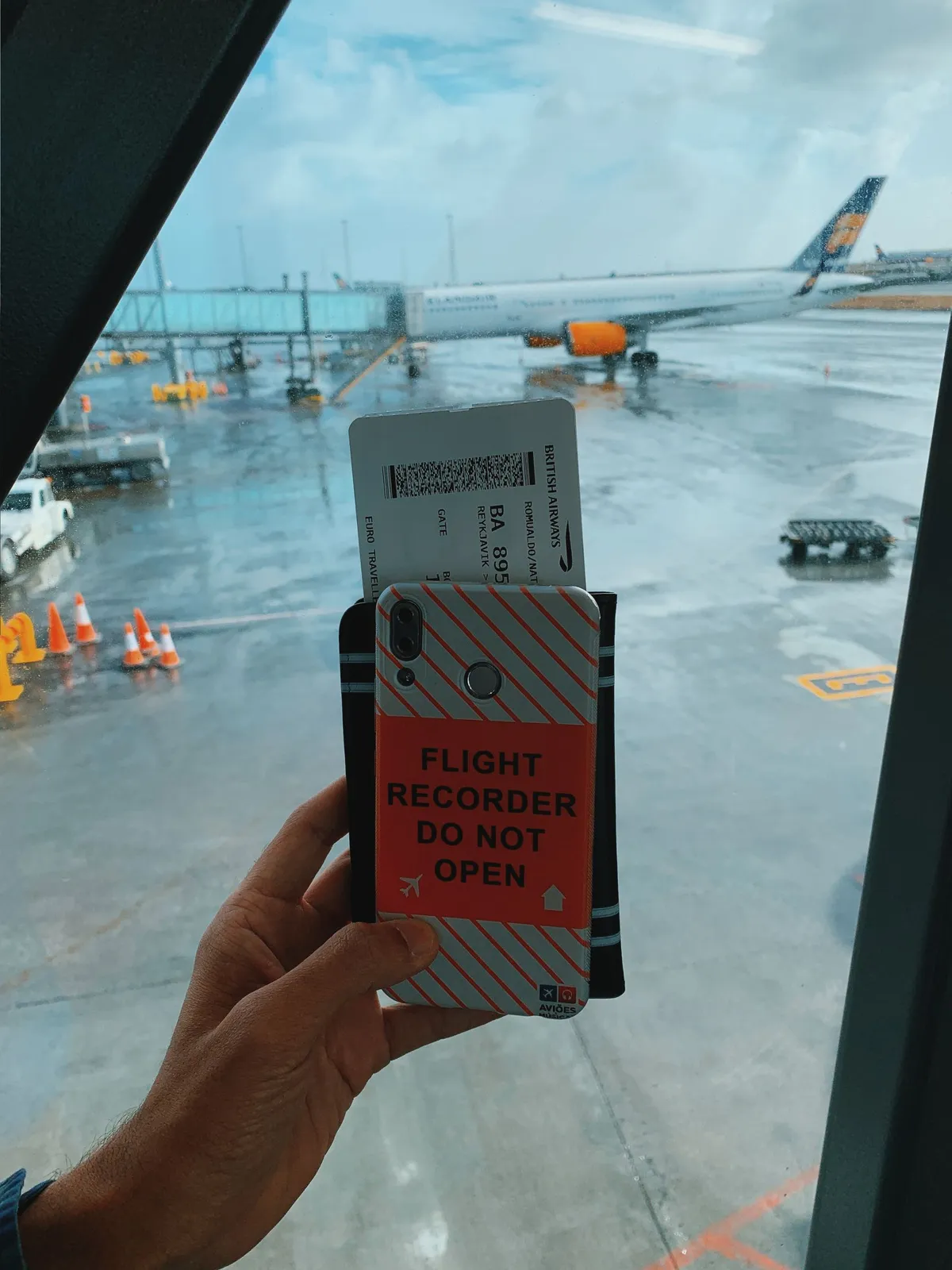
Disconnect from the internet and open the map, note, ticket and check-in instructions. Verify that each is actually stored on the device rather than shown as an empty cloud placeholder. Check whether a booking app needs a live login before showing a voucher.
Mark an obvious landmark near the lodging so you can orient the street map after leaving transit. Do not rely entirely on a moving location dot, especially inside large stations. Street names, exit numbers and visible signs are useful checks when GPS positioning is imprecise.
Keep a fallback that uses less technology
A small paper note with the address and main route can be enough if the phone is lost or out of power. Keep the airport's official transport contact or the hotel's number available without placing all private documents on public display.
Offline preparation does not provide live disruption information. Recheck service notices while connected before departure, and use station boards or staff if conditions change. The saved plan gives you a starting point; current operational instructions still take priority over a screenshot made several days earlier.